
WEBSITE DEVELOPMENT
Make it easier to enquire or buy.
We build and redesign websites around what your customers need to do. A guest can check rooms and book a stay. A business buyer can compare services and request a quote. A shopper can find the right product and check out.
Choose from WordPress, Shopify, Webflow and custom development.
5.0/5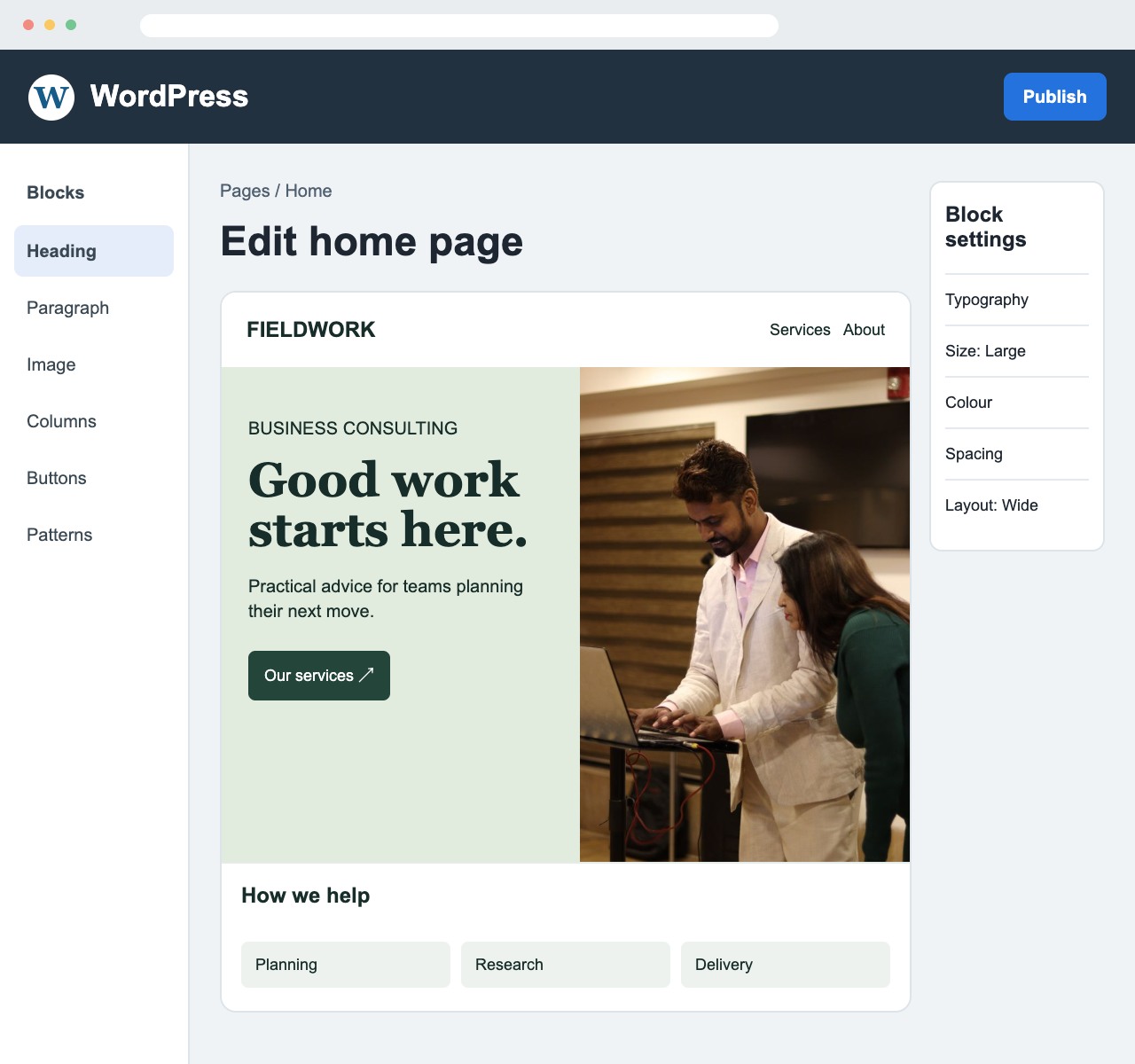
BUSINESSES WE WORK WITH
Help customers choose.
Before we draw the first page, we ask what customers need to see before they’ll contact you or buy.
That shapes the layout. An equipment catalogue can put rental categories beside a call button. A product page can show sizes and delivery details beside the price.













4+
Years of experience

80+
Projects delivered

25+
Clients served

4+
Countries served

2K+
Leads generated
DESIGN, CONTENT AND DEVELOPMENT
Make routine updates in-house.
Tell us what changes most often, such as room rates, stock or service hours. We’ll plan how your team can update those details after launch.
We plan reusable layouts so your team can add a product, service or location in the same format.
We agree who can edit the site and which changes may need developer support.
During handover, we walk through the updates your team expects to make most often.
WEBSITE PLATFORMS
Which platform fits your site?
Use the tabs to compare how the four options handle page design, content and store management.
Website Development
Start with what you’ll manage.
We’ll help you weigh up what you need to publish or sell, what tools the site needs to connect to and who’ll manage it after launch.
- WordPress for sites with service pages, articles or listings your team updates regularly.
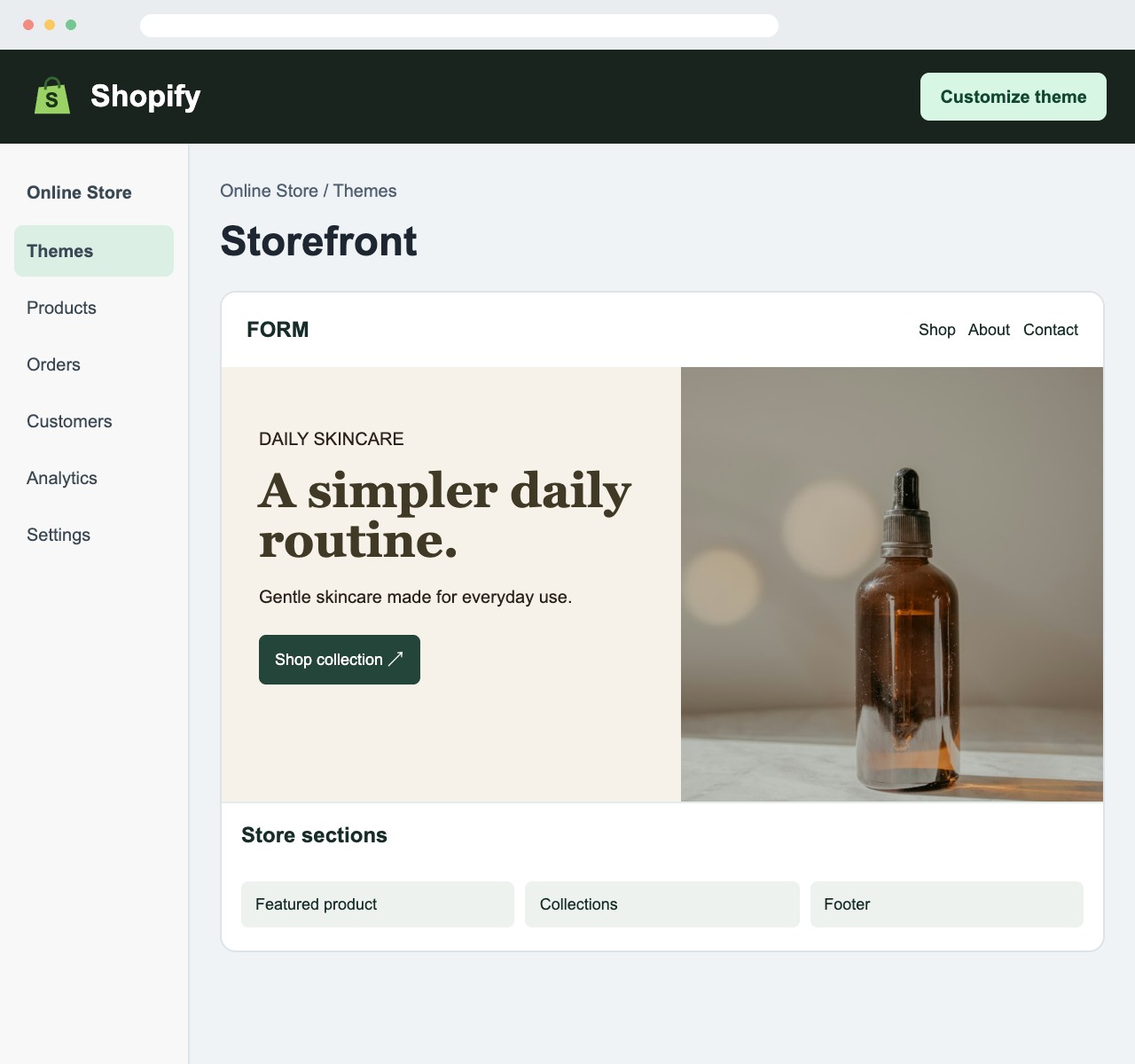
- Shopify for managing products, inventory and checkout from one store.
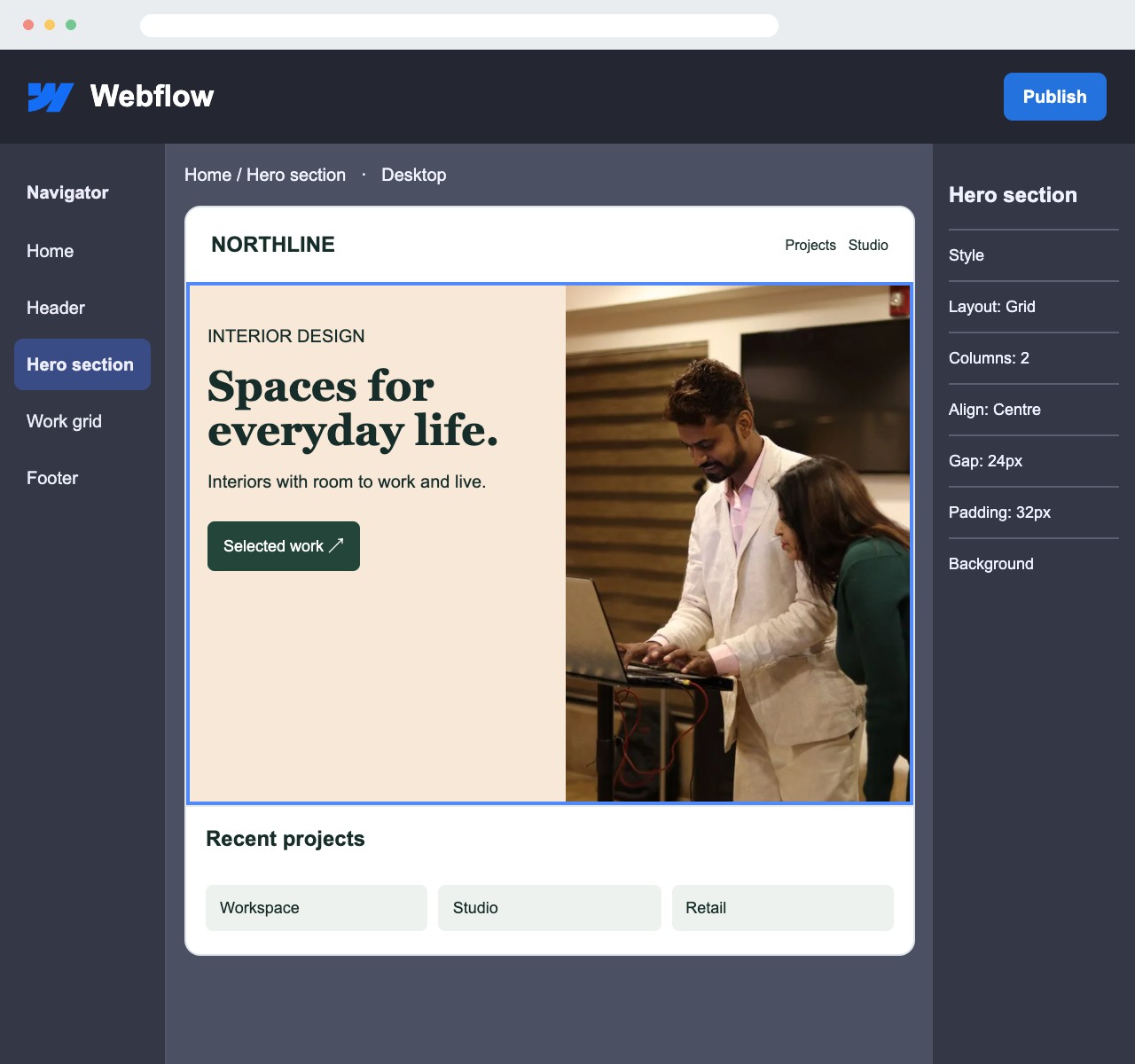
- Webflow for marketing sites managed through a visual editor.
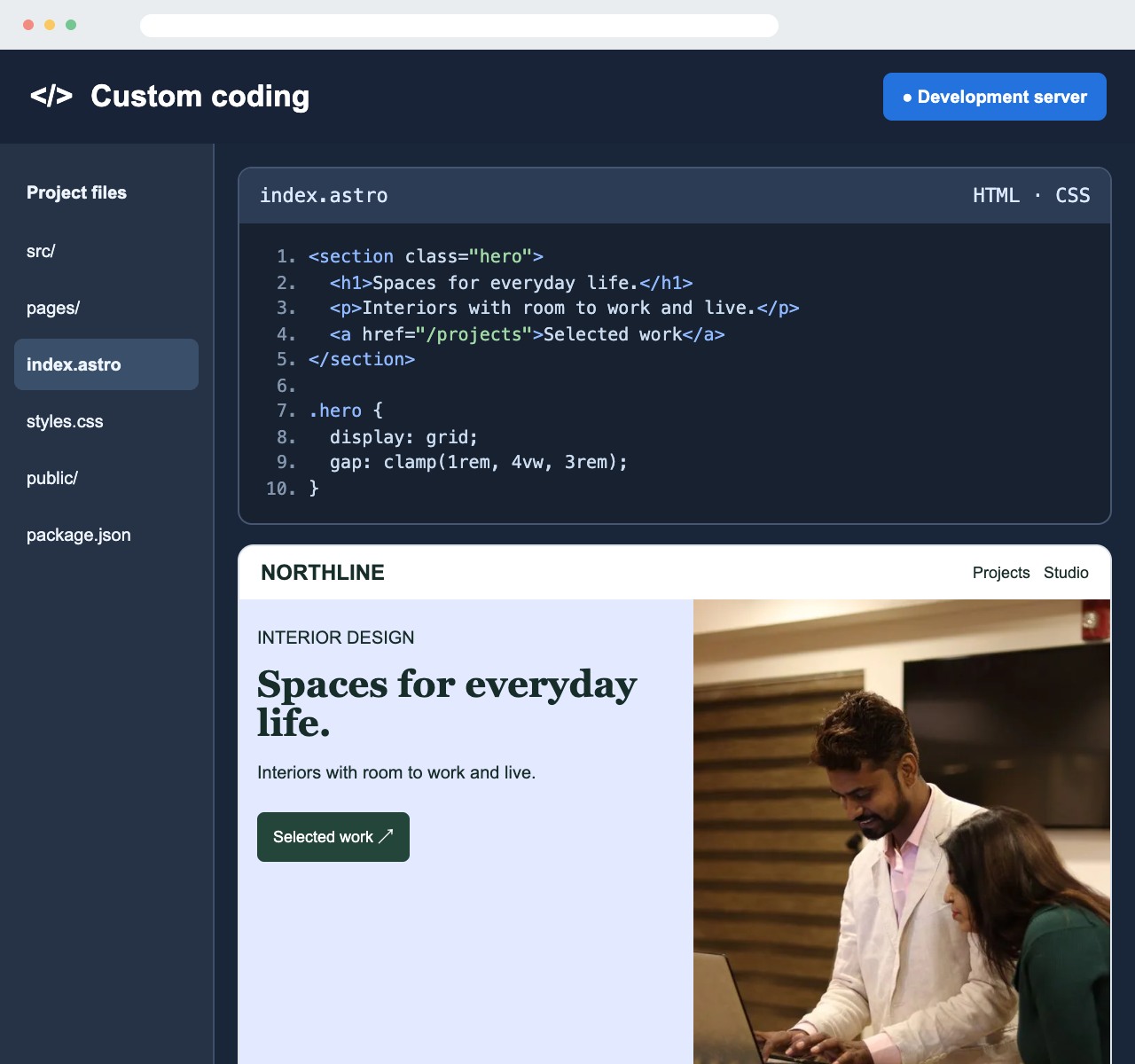
- Custom development for specialised workflows or integrations.
Make your next move.
A clear message. A useful next step. A better experience.
 Good ideas. Better together.
A little better. Every day.
Thoughtful essentials, made for the way you live.
 Made for your everyday
A little better. Every day.
Thoughtful essentials, made for the way you live.
Made for your everydayA little better. Every day.
Thoughtful essentials, made for the way you live.
Made for your everyday
everyday life.
Interiors that make room for the way you work and live.
View selected work ↗
<main class="page"><section class="hero"><h1>Build for the peoplewho use your site.</h1><a href="#work">See our work</a></section></main>
.hero {display: grid;gap: 1.5rem;padding: clamp(2rem, 6vw, 5rem);background: #edf5d9;}
const menu = document.querySelector(".menu");const toggle = document.querySelector(".toggle");toggle?.addEventListener("click", () => {menu?.toggleAttribute("hidden");});
› Development server readyTell us what your current site needs to do better or what you want to build from scratch.
A LOOK AT OUR WORK
See what we’ve built.
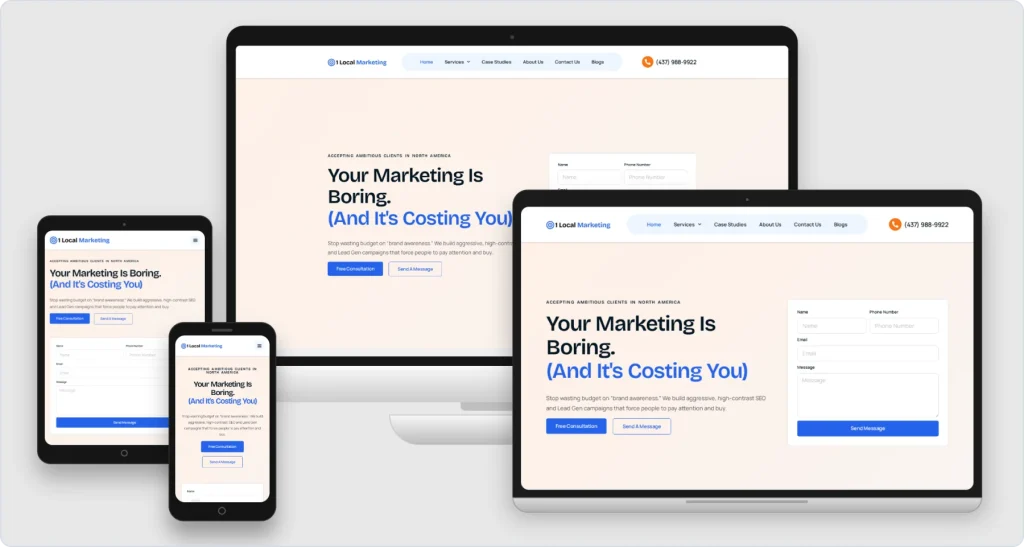
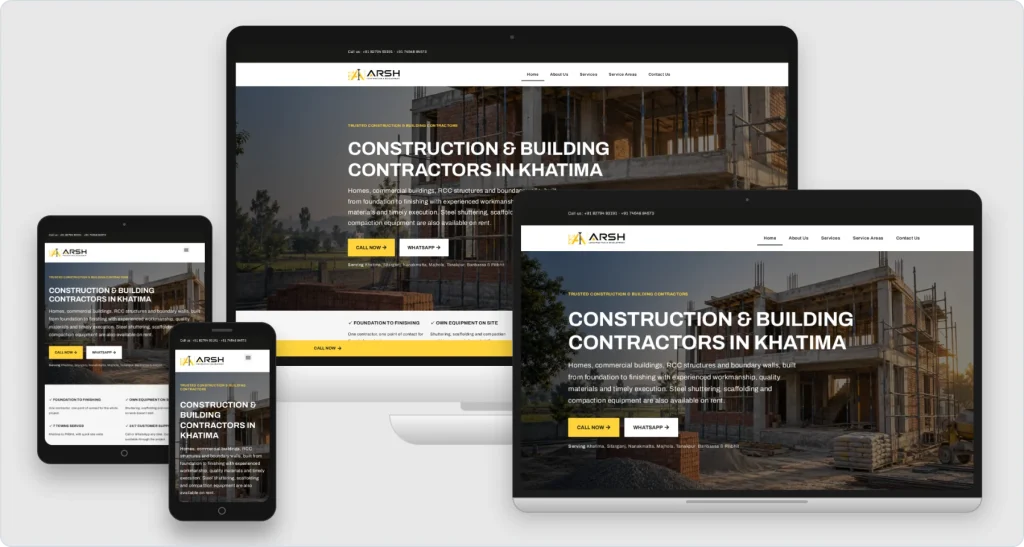
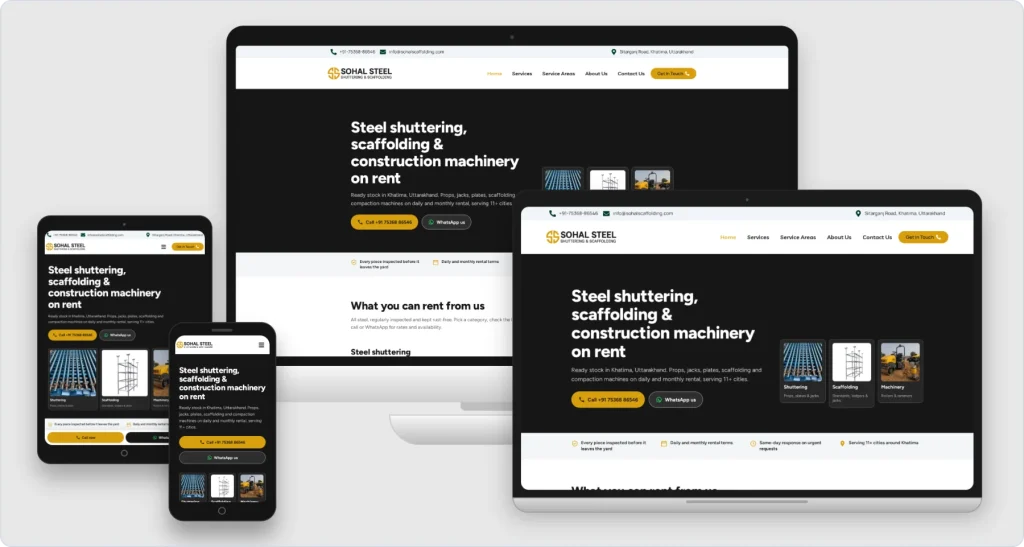
See how navigation, page content, and calls to action adapt across desktop, laptop, tablet, and phone.
WordPress
WordPress
WordPress
WordPress
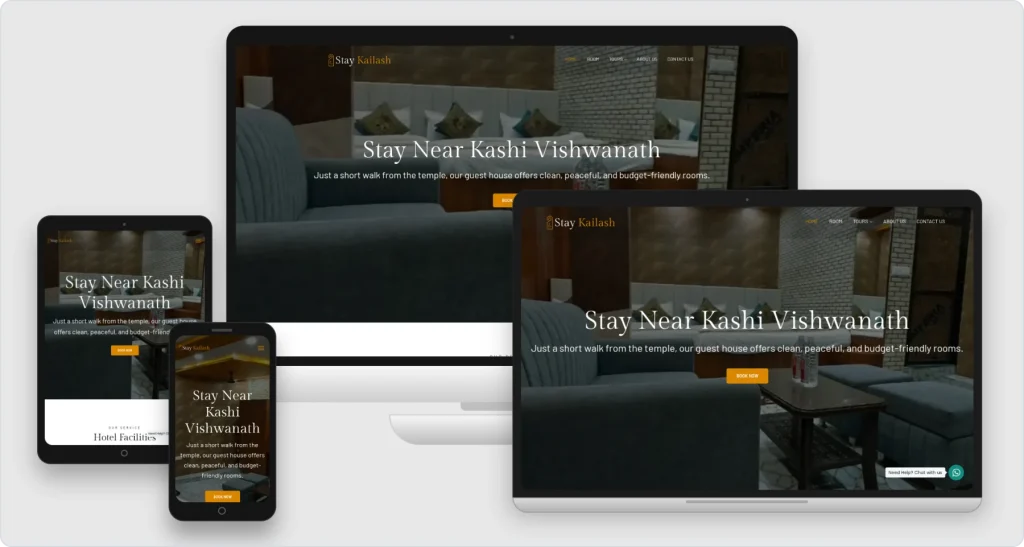
WordPress
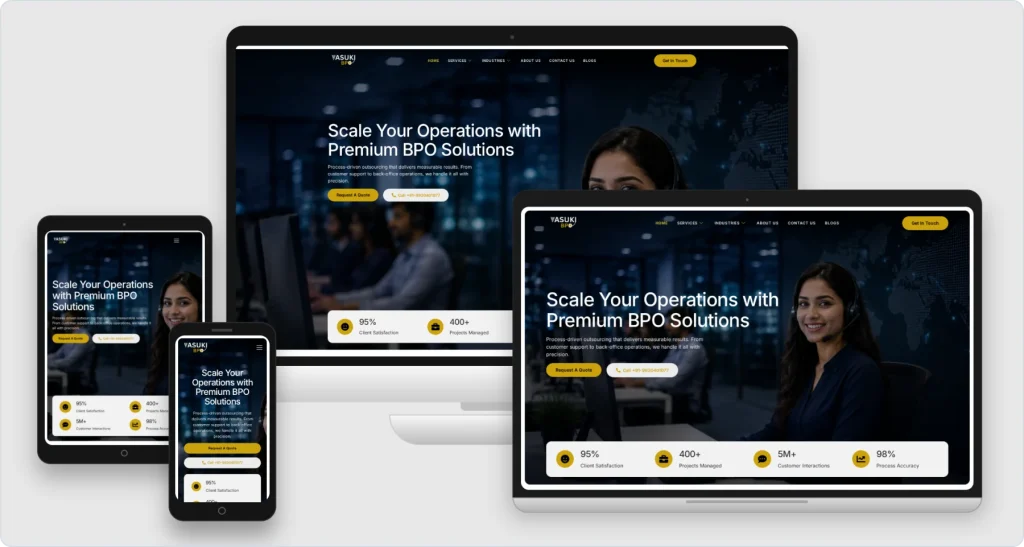
Have a website you’d like to build or improve?
HOW WE WORK
From brief to launch.
You’ll see the page plan before we build and try the main tasks, such as submitting a form or finding a product, before launch.
01
Discover
Agree what the new site needs to help visitors do.
DISCOVER / STEP 01
Start with visitors and their questions.
We review any existing site, what you sell and where customers need more information before they act.
- Business goals and audience needs
- Current content and site review
- Features and integrations
WHAT YOU WALK AWAY WITH
A clear starting brief.
See which pages, features and customer actions take priority.
02
Plan
Agree on the structure and platform.
PLAN / STEP 02
Map how people will get around.
We map what goes in the menu, which pages need new content and where visitors can enquire, book or buy.
- Sitemap and page structure
- Platform selection
- Content and approval responsibilities
WHAT YOU WALK AWAY WITH
A plan your team can review.
See what is included and what your team needs to supply.
03
Build
Design, develop and test the site.
BUILD / STEP 03
Check the pages across devices.
We build the agreed pages and test navigation, forms and relevant purchase or enquiry flows.
- Page design and development
- Mobile and desktop checks
- Form and link testing
WHAT YOU WALK AWAY WITH
A site ready for review.
Try the build on a phone and a desktop before signing off.
04
Launch
Publish and walk through editing.
LAUNCH / STEP 04
Know how to run the site after launch.
We plan the release, check key pages after launch and show your team how to update the agreed content.
- Launch checklist
- Editing walkthrough
- Support scope and handover
WHAT YOU WALK AWAY WITH
A handover your team can use.
Know how to make routine updates and where to get help.
WORKING WITH DIGITIRIA
Know what your quote covers.
We’ll confirm the pages, features and integrations included in your quote.
We’ll spell out what we need from your team, including copy, images or product data, and agree when you’ll review the work.
We’ll also discuss who handles hosting, updates and ongoing maintenance.
Clear scope
Know what the build includes.
Practical design reviews
Check the pages before development moves ahead.
Launch checks
Review forms, links and important visitor paths.
Editing handover
Learn the updates your team will make.
WEBSITES ACROSS INDUSTRIES
Give visitors the details they need.
The details people look for change with the decision they’re making.
A traveller checks dates. A property buyer checks the location. A procurement team looks for specifications.
Explore how those questions shape the pages and forms we build.
01
Travel & hospitality
Make trips easier to compare.
Give travellers the route, duration and inclusions in a consistent format.
01
Discover
Find trips by destination or interest.
Tour catalogue
02
Consider
Compare itineraries and inclusions.
Tour detail pages
03
Book
Send an enquiry about the right trip.
Trip enquiry form
02
Healthcare
Help patients find the right clinic.
Bring service, location and appointment information together.
01
Discover
Find the relevant service.
Service navigation
02
Consider
Check availability by location.
Clinic location pages
03
Enquire
Find appointment information.
Appointment links
03
Real estate
Help buyers decide whether to book a viewing.
Make property features and viewing information easy to locate.
01
Discover
Browse relevant properties.
Property listings
02
Consider
Compare location, layout and features.
Property detail pages
03
Enquire
Request a viewing.
Viewing enquiry form
04
Manufacturing
Make specifications easy to find.
Organise products by application and give buyers enough detail to request a quote.
01
Discover
Find a product by type or application.
Product catalogue
02
Consider
Review specifications and options.
Product detail pages
03
Connect
Share requirements with your team.
Quote enquiry form
05
Beauty & wellness
Make the next appointment easy to book.
Show services, locations and practical booking details.
01
Discover
Browse available services.
Service listings
02
Consider
Understand what an appointment involves.
Service detail pages
03
Book
Book or contact the right location.
Booking and location links
06
Professional services
Show how your team can help.
Organise services around the problems clients bring to you.
01
Discover
Find a relevant service.
Service navigation
02
Consider
Review the approach and examples.
Case studies and service pages
03
Connect
Start a conversation.
Consultation form
BEFORE WE BUILD
Who does what?
Use this guide to see who supplies content, reviews the work, provides access and looks after the site once it’s live.
Planning decisions

Your team
Shared decision
Goals
Digitiria
Map goals to pages and features.
Your team
Share what visitors need to do.
Shared decision
Agree which outcomes matter.
Platform
Digitiria
Recommend a platform for the scope.
Your team
Tell us what you need to update.
Shared decision
Choose how the site will be built.
Content
Digitiria
Identify the content each page needs.
Your team
Share existing copy, images and brand material.
Shared decision
Agree who prepares each asset.
Approvals
Digitiria
Share work at the review points.
Your team
Name the person who signs off.
Shared decision
Set an approval schedule.
Launch
Digitiria
Check the build and prepare the release.
Your team
Provide the access needed to launch.
Shared decision
Agree when to go live.
Handover
Digitiria
Walk through the agreed editing tasks.
Your team
Identify who will maintain the site.
Shared decision
Agree the support scope.
TALK THROUGH YOUR WEBSITE
Tell us what the site needs to do.
Bring a link to your current site or a short outline for a new one. We’ll talk through where customers get stuck, what you want them to do next and which pages or features to prioritise.
Loading available times…
Prefer a separate window? Open the booking page.
FREQUENTLY ASKED QUESTIONS
Questions before you build?
Answers about platform choice, redesigns, content, handover and cost.
Still have a question?
Let's talk about your business and figure out what makes sense.
Which website platform should I choose?
Choose based on what your team needs to run. WordPress suits sites with regularly updated pages and articles. Shopify suits online stores. Webflow gives teams visual editing tools, and a custom build can accommodate specialised workflows or integrations.
Can you redesign our existing website?
Yes. We’ll review your current pages, forms and integrations, then agree what to keep, move or rebuild.
Will the site work on phones?
Yes. We check mobile and desktop layouts and test the important actions for your site, such as submitting an enquiry or checking out.
Can our team update the site after launch?
Yes. We’ll agree on the updates your team needs to make, then walk through those tasks at handover.
Do you handle the copy, images and product data?
We can work with your existing materials. Before quoting, we’ll agree who prepares any new copy, images or product data and which materials need to move from the current site.
How much does a website build cost?
We quote once we’ve agreed the scope. The price depends on the pages, platform, integrations and content work required.